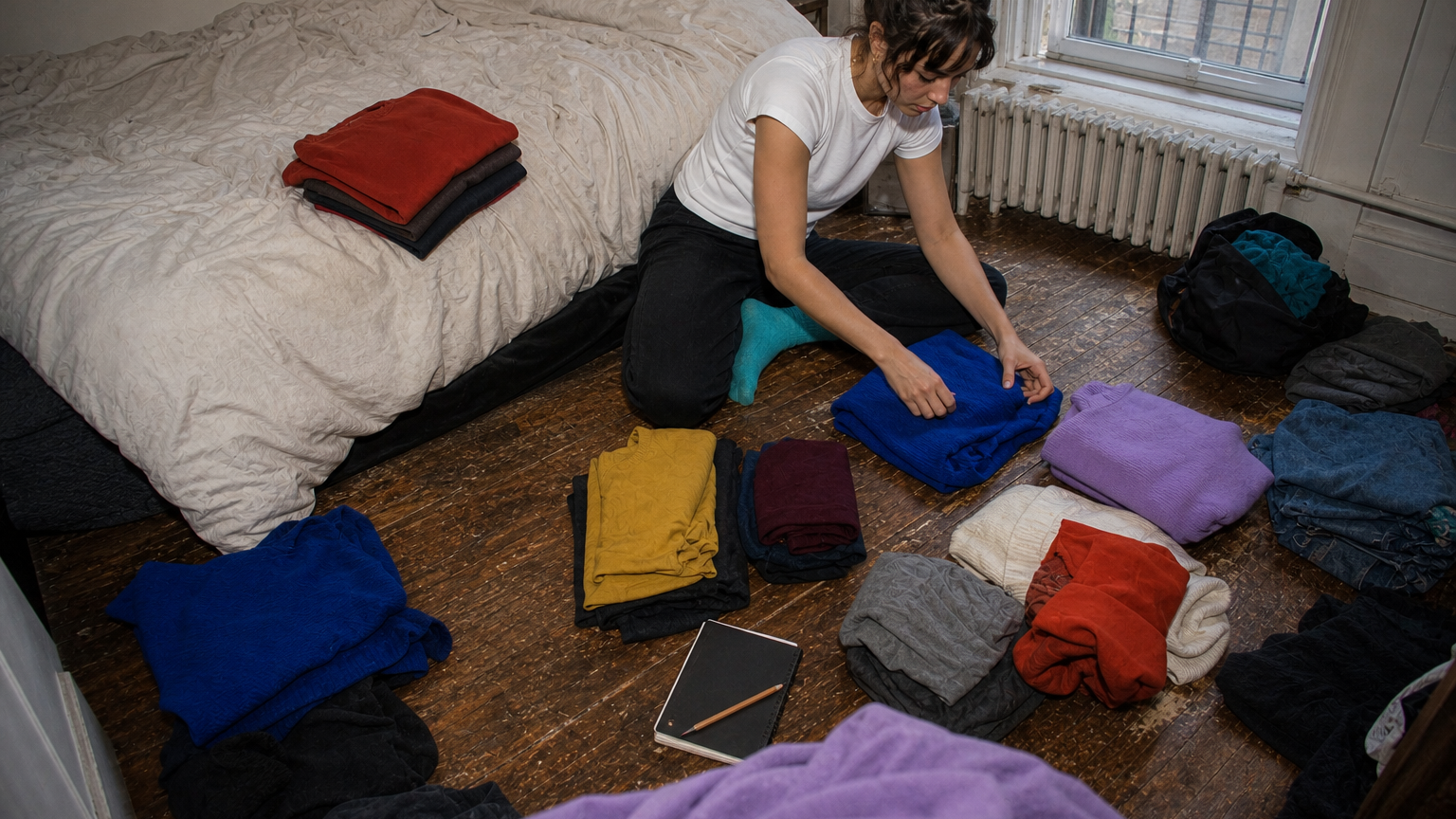
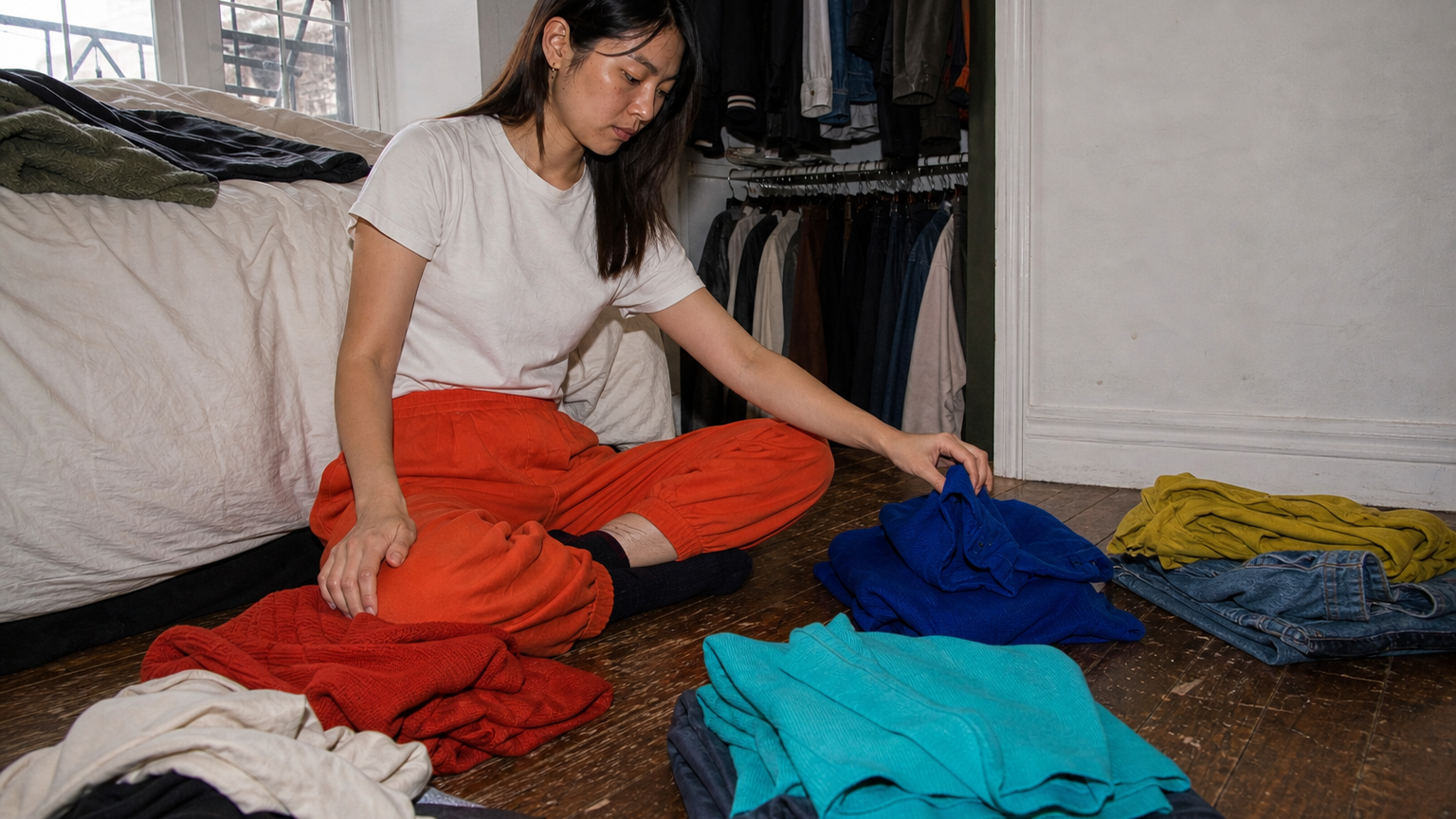
A clothing category earns its place only when it changes a decision you make: finding a garment, grouping similar pieces or spotting something that needs attention. Start with a small set of labels you can apply the same way every time. If two labels do the same job, keep one and retire the other.
Start with the question, not the wardrobe
Before adding a label, ask three things: What decision will this change? Can I apply it consistently? What would become harder if the field were blank? If the answer to all three is “not much,” the label is probably optional.
Keep categories, tags and statuses separate
A category says what kind of garment something is: trousers, knitwear or outerwear. A tag adds context that may be useful sometimes, such as formal, travel or repair. A status marks an action: to mend, to donate or to photograph. One field should not carry all three jobs.
Make the list small enough to revise
Begin with labels that suit the questions you already ask. You may need a separate label for uniform pieces, stored seasonal items or shared-clothing items; someone else may not. An “unclassified for now” option is often more useful than forcing a choice.
Use controlled labels when they help
Named photo albums and folders can keep a simple image record legible on iPhone. In a spreadsheet, a dropdown can limit a field to the labels you have chosen. These are tool mechanics, not a reason to create more labels.
Handle awkward cases simply
Paired items, multi-use pieces and care needs can make a single category awkward. Choose the label that answers your most common question, then add a note only when it changes what you do next. Personal or cultural language should take precedence over a generic taxonomy.
Merge or retire labels
Review labels when you notice duplicate choices, uneven use or a category that never changes a decision. Rename one label, merge the two records and keep the older label out of new entries. Do not rebuild the whole record to fix one weak category.
Stop before the system becomes the task
A closet record does not need to describe every detail of every garment. If a new field has no clear question behind it, leave it out. The useful system is the one you can return to without turning maintenance into another project.
Sources and method
This is CLOOTHE editorial guidance, not a fixed wardrobe taxonomy. Apple documents named albums and folders in Photos; Microsoft Excel and Google Sheets document selectable dropdown lists. Those tools can support a controlled vocabulary, but they do not prescribe the categories you should use.