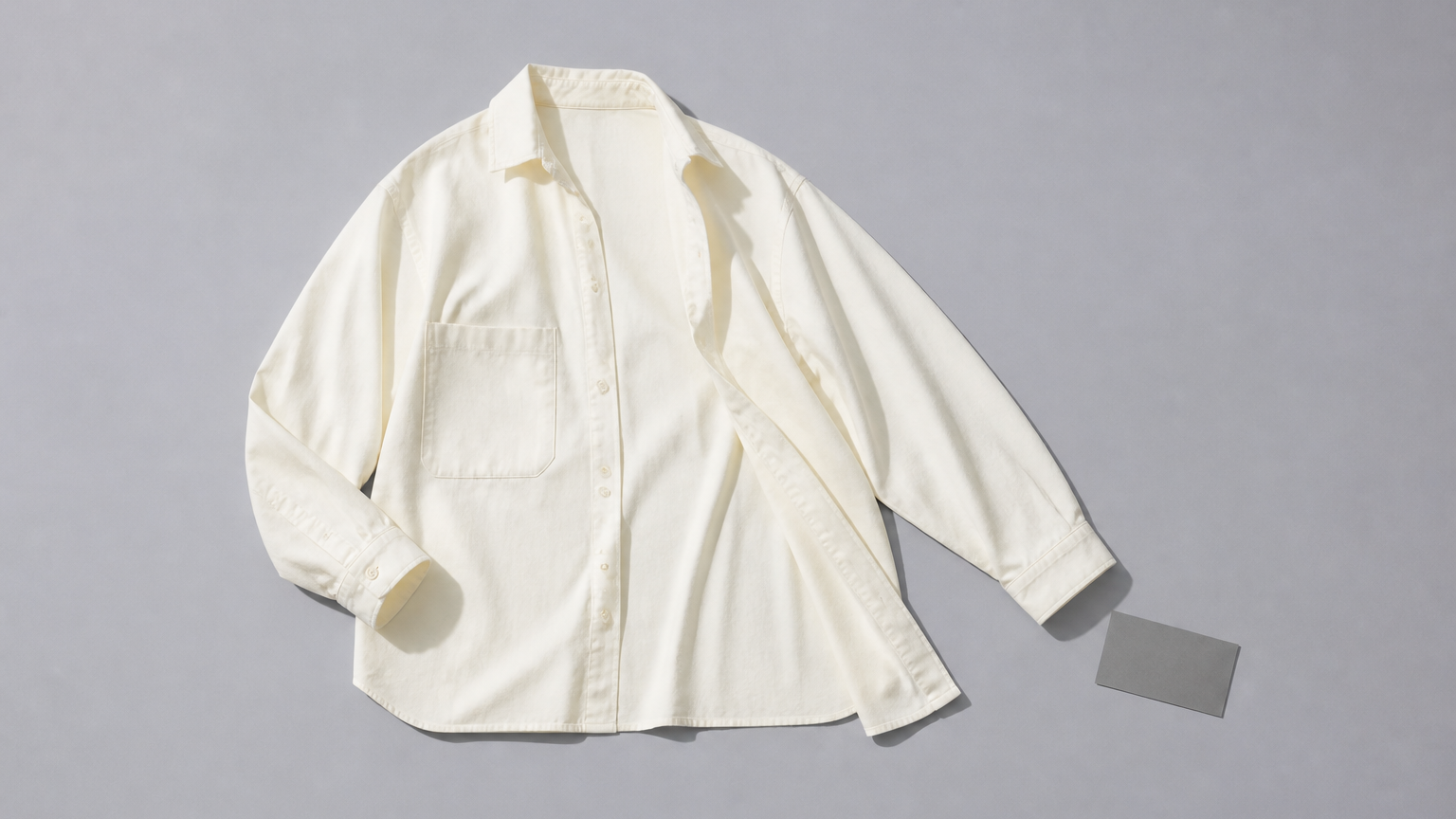
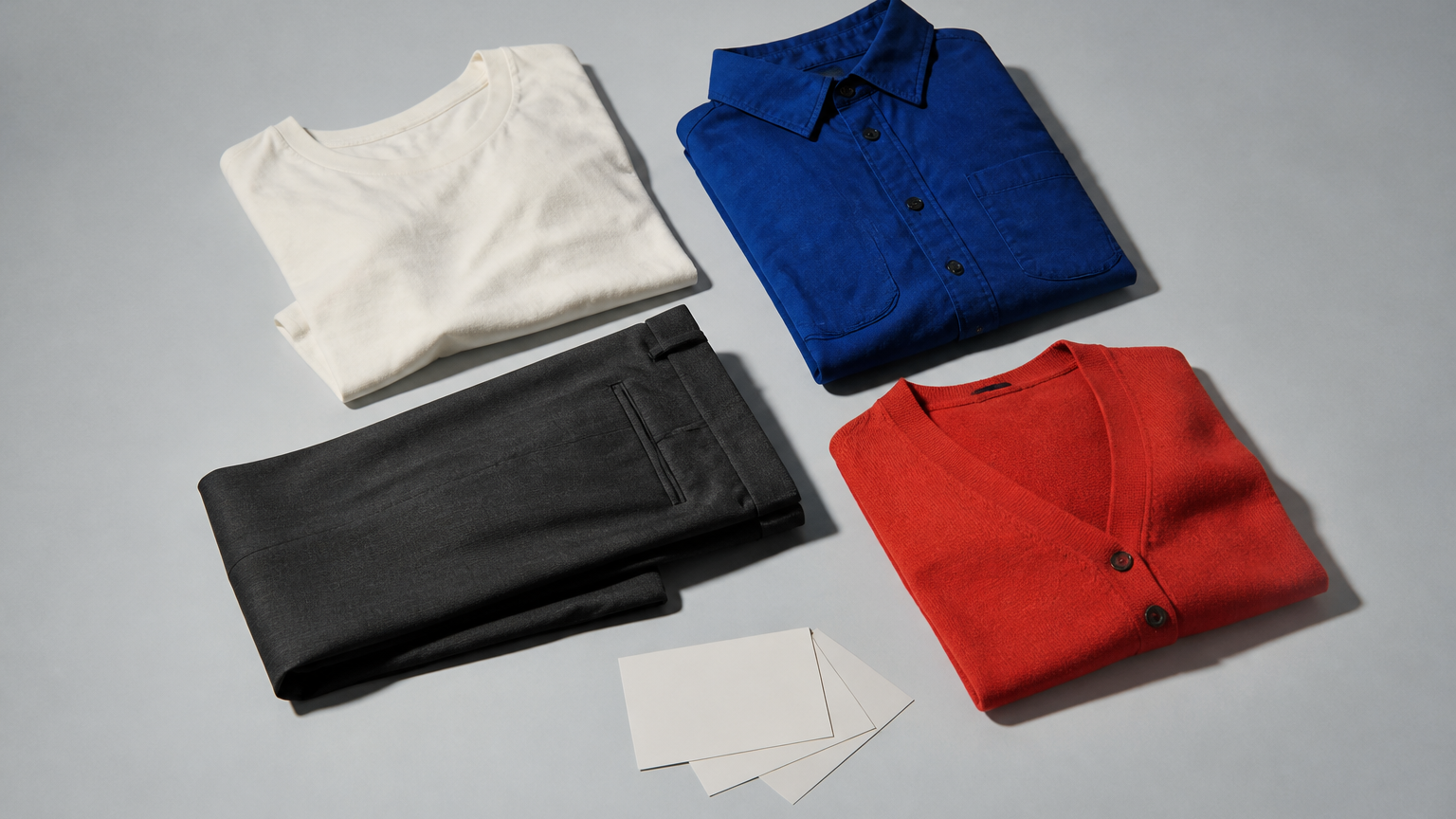
A digital wardrobe is a record of the clothes you already own. It gives you something more reliable than memory when you are trying to find a piece, take stock of a category, or remember what is still in rotation. The record can be as simple as an album of photos or as detailed as a spreadsheet. A dedicated app is another format, not the definition itself.
A record, not a wishlist
The useful boundary is ownership. A wishlist points toward things you may buy. A moodboard collects ideas. A digital wardrobe starts with the pieces that are already yours. That makes it a practical reference: a place to check whether you have a black knit you like, how many pairs of trousers you actually wear, or which coat is still at the cleaners.
Start with the decision you want help making
Choose the record by the question it needs to answer. If you mostly forget what you own, a photo album may be enough. If you want to compare fields such as colour, size or purchase date, a spreadsheet gives you more control. If you want one place designed around a wardrobe, an app may be worth evaluating. None of these formats has to become a complete catalogue on day one.
Three useful starting formats
Photo album
Use this when visual recognition matters more than structured detail. An album works well for seeing silhouettes, colours and combinations at a glance. Its limit is recall: it is harder to answer a question such as “which wool jumpers need repairing?” unless you add a simple naming habit.
Spreadsheet
Use this when you need a small number of consistent fields. You might record garment type, colour, fabric, care note or the last time you wore something. The strength is that you can sort and filter. The trade-off is upkeep: a long list with too many columns becomes work quickly.
Dedicated app
Consider an app when you want a format built around wardrobe use rather than general files. Before choosing one, decide which part matters: adding pieces, finding them later, maintaining details, or looking at the collection as a whole. The question is not which app has the longest feature list. It is which record you will keep current without resenting it.
Keep the first version small
Start with one group you return to often: coats, trousers, knitwear or shoes. Add only the details that would change a real decision. A photo, a plain name and one note can be enough. The point is not to create an immaculate archive. It is to make the next wardrobe question easier to answer.
What a record cannot decide for you
A digital wardrobe can show you what is there. It cannot decide what you should wear, tell you whether a piece fits, or prove that a purchase is necessary. Those are separate judgments. Keeping that distinction makes the record more useful: it stays a clear reference instead of pretending to be a substitute for taste, context or judgment.
About the examples
The examples of photo albums and spreadsheet fields are grounded in current Apple, Microsoft and Google support documentation. They show what those general-purpose tools can hold or organize; they do not rank tools, predict outcomes or describe a CLOOTHE capability.